

From Transcript to Action: How Vernix Extracts Tasks Automatically
Someone said they'd send that document. Someone else agreed to update the design. A third person committed to a deadline. By the next morning, nobody remembers exactly who promised what.
Manual meeting notes help, but they depend on one person paying attention and writing things down correctly. One person distracted for thirty seconds, and a commitment disappears.
How automatic task extraction works
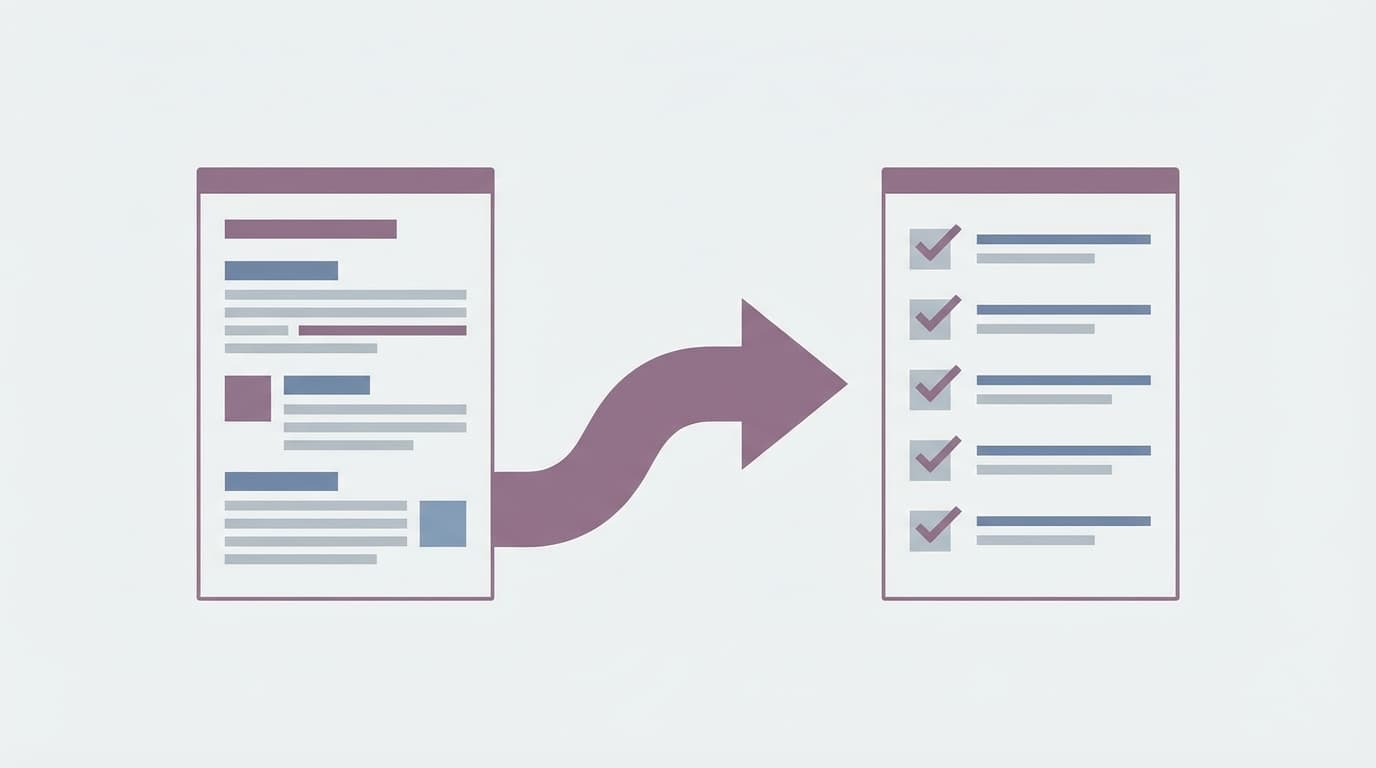
When your meeting ends, Vernix processes the full transcript and identifies action items using AI. It looks for commitment language — phrases like "I'll handle that," "let's do X by Friday," "can you send me the updated version?" — and extracts them as structured tasks.
Each task includes:
- What needs to be done
- Who said they'd do it (when identifiable from the transcript)
- When it's due (if a deadline was mentioned)
These tasks appear on your meeting detail page and in your cross-meeting task list. No copy-pasting from notes, no shared Google Doc that nobody checks.
It catches what you miss
Here's the thing about meetings: people make commitments casually. "Yeah, I can take a look at that" sounds like conversation, not a deliverable. But it is one. Vernix catches these implicit commitments because it processes the entire transcript — not just the parts that sounded important in the moment.
It also catches tasks buried in longer discussions. A 45-minute call might have 30 minutes of discussion and three action items scattered across minutes 8, 22, and 41. You'd need precise notes to catch all three. The AI reads the whole thing.
Edit and track after extraction
Auto-extracted tasks are a starting point. You can:
- Edit any task to fix wording or add detail
- Mark tasks complete as they get done
- Add manual tasks alongside the extracted ones
- View tasks across all meetings in one list
The cross-meeting task view is useful when you're in back-to-back calls. Instead of checking each meeting individually, you get a single list of everything you owe — from every call — in one place.
Why this matters more than you think
People forget most of what was discussed in a meeting within a day or two. That includes their own commitments. A shared summary helps, but summaries are passive — you have to go read them.
Tasks are active. They show up in a list. They have a status. They create a lightweight accountability loop: the thing was said, it was captured, and now it's tracked.
This is especially useful for teams that don't use heavy project management tools. If your workflow is "discuss in a meeting, then figure it out," automatic task extraction bridges the gap between conversation and execution.
How it fits into your workflow
Vernix doesn't replace your task manager. If you use Linear, Jira, or Notion, the extracted tasks give you a clean starting point to move into your existing system. Copy what matters, ignore what doesn't.
If you don't use a dedicated task manager, the built-in task list works as a lightweight tracker. Either way, the goal is simple: commitments made in your meeting shouldn't disappear when the call ends.
Ready to try Vernix on your next call?
Paste a meeting link, and Vernix joins in seconds. Free to start.
Try Vernix Free