

Vernix + Your Tools: Keep Engineering Context Close to Your Meeting Memory
Engineers spend a surprising amount of meeting time looking things up. "Let me pull up that PR." "Hold on, what's the status of that ticket?" "I think the deploy went out yesterday — let me check."
These micro-interruptions break the flow of conversation. Worse, they create gaps where context gets lost because someone couldn't find the right tab fast enough.
One protocol, many tools
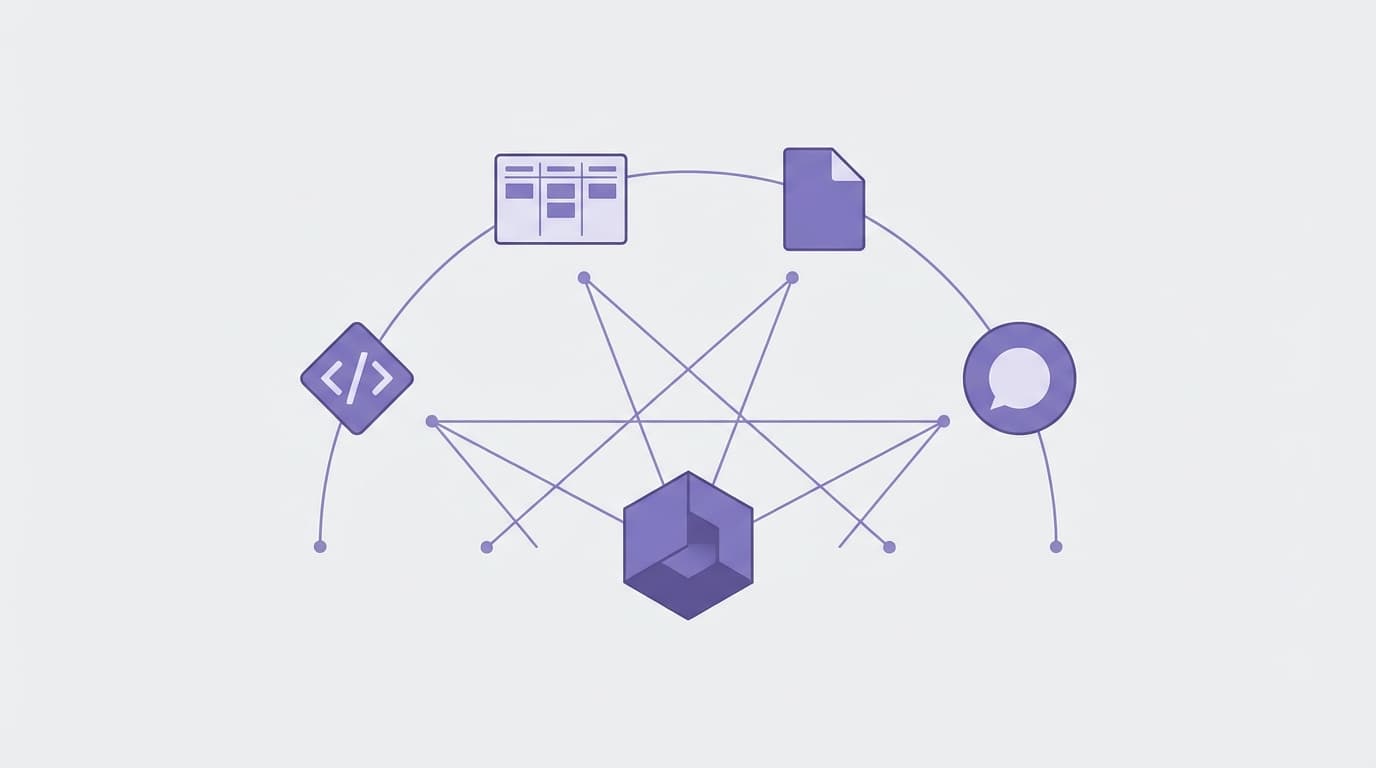
Vernix connects to your tools through an open standard for AI integrations. Instead of building a custom connector for every service, you point Vernix at your tools and they become available to the agent.
During a call, when someone asks "What's the status of the checkout rewrite?" — the agent doesn't just search your transcripts. It can query your connected tools for live data. The current status of a Linear ticket. The latest comment on a GitHub PR. Data from your internal APIs.
You configure which tools to connect in your Vernix settings. Each connection can use different authentication: API keys, OAuth, basic auth, or custom headers. Once connected, the tools are available to the agent during every call.
What this looks like in practice
Here's a realistic scenario. Your team is in a weekly sync:
Product manager: "Where are we on the onboarding flow redesign?"
Engineer: "I pushed the PR yesterday. Vernix, what's the status of the onboarding PR?"
Vernix: "The PR 'Redesign onboarding flow' was opened yesterday with 4 files changed. It has one review requesting changes on the validation logic. CI is passing."
No one had to leave the call. No one had to share their screen. The context arrived in the conversation where it was needed.
Why meeting context matters for engineering teams
Engineering decisions happen in meetings more often than teams realize. Architecture choices, priority calls, scope decisions — these get made in conversation, not in tickets. The ticket gets created after, sometimes days later, and often without the full reasoning.
When your meeting agent can access your engineering tools, two things happen:
-
Decisions are better informed. The agent surfaces live data during the discussion, so decisions are based on current state — not what someone remembers from yesterday.
-
Context is preserved. The transcript captures not just the discussion but the data that informed it. When you search later for "why did we deprioritize the checkout rewrite?" — the answer includes both the conversation and the tool data the agent surfaced.
Setting up integrations
In your Vernix dashboard, go to Settings and add integrations. Each connection needs:
- A name and URL
- An authentication method (bearer token, API key, OAuth, or none for local tools)
Vernix supports five auth types, including full OAuth flows for services that require them. Once connected, the tools appear in the agent's toolkit automatically.
This works both ways. Vernix can pull data from your tools, and other AI tools in your workflow can query your Vernix meeting data through its API.
Beyond GitHub
The integration protocol is open and service-agnostic. Any compatible tool works with Vernix. Some examples:
- Project management: Pull ticket status, sprint progress, or roadmap items
- Documentation: Search internal wikis or knowledge bases in real time
- Databases: Query live metrics or customer data during support calls
- Custom APIs: Wrap any internal tool as an MCP server and connect it
The point isn't to replace these tools. It's to make their data available in the meeting — where the conversation is happening and the decisions are being made.
Ready to try Vernix on your next call?
Paste a meeting link, and Vernix joins in seconds. Free to start.
Try Vernix Free