

Vernix + Linear: Sprint Status in the Meeting, Not a Separate Tab
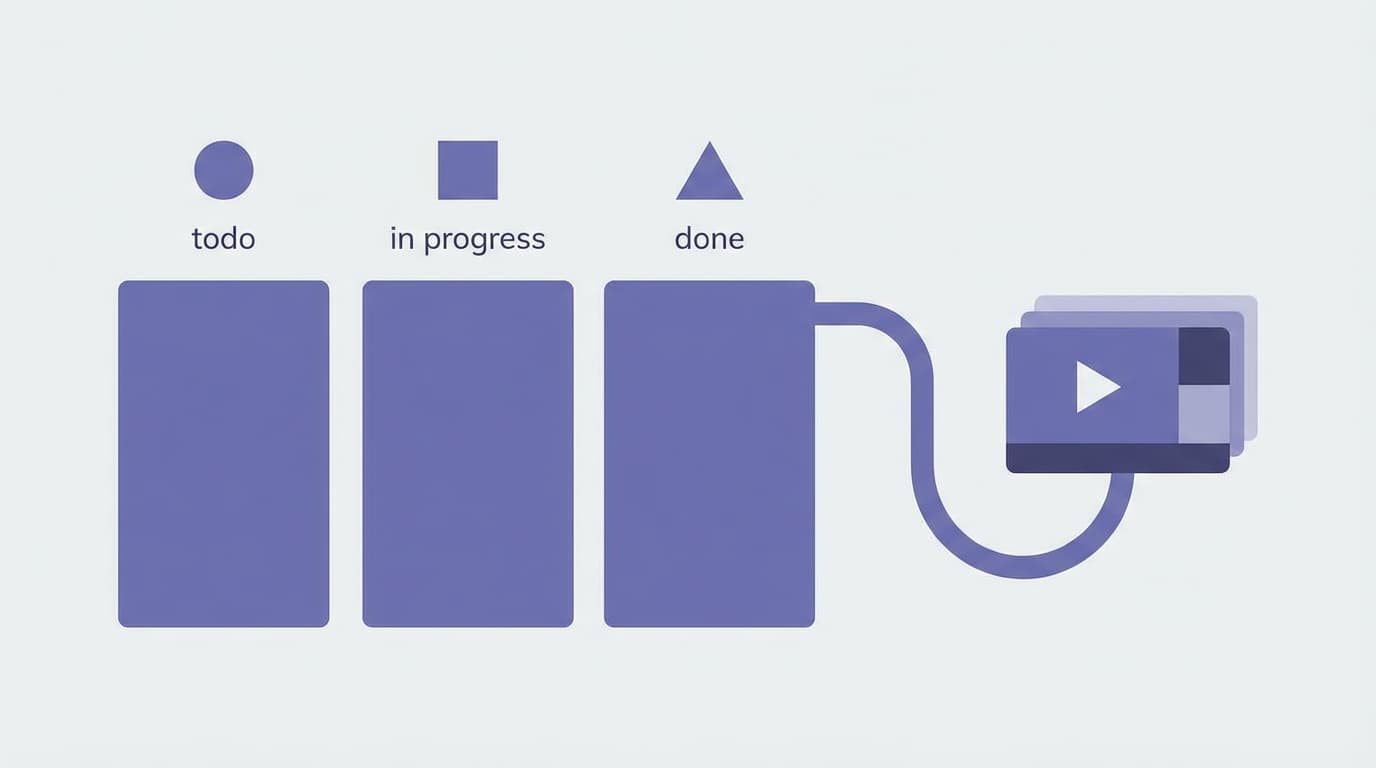
Sprint reviews are supposed to be about decisions. In practice, half the time goes to someone sharing their screen and scrolling through Linear while the team watches.
"How many issues are left?" Tab switch. "Is the billing fix in review?" Scroll, scroll, click. "Can someone create a ticket for the thing we just discussed?" "I'll do it after the call." (They won't.)
Connecting Linear to Vernix puts that data inside the meeting.
What the Linear integration does
With Linear connected, Vernix can query your workspace during calls:
- "What's left in the current sprint?"
- "What's the status of the onboarding redesign?"
- "How many high-priority issues are unassigned?"
- "Create a ticket for the performance regression we just discussed"
The agent checks Linear in real time and responds with live data, not cached summaries.
Creating issues from conversation
This is the part that changes your workflow. During a meeting, someone describes a bug or a feature request. Normally, the action item is "create a ticket for that." With Linear connected, the agent can create the issue right there.
The ticket gets created with the context from the conversation. No "I'll do it after the call" delay. No details lost between the discussion and the write-up. The issue exists before the topic changes.
Where this fits
Standups
The meeting where Linear context matters most. Instead of each person reading from their screen, the team can ask the agent for a sprint snapshot. "Vernix, what's left in Sprint 24?" returns the count, priorities, and who's blocked. Everyone sees the same picture.
Backlog grooming
Prioritization conversations need data. "How many bugs are in the backlog?" and "What's the oldest unresolved issue?" are questions the agent answers without anyone opening a browser.
Cross-team syncs
Product and engineering meetings often get stuck on "I think that's in progress, let me check." The agent eliminates the check. Ask the question, get the answer, keep moving.
How to connect
Go to Settings > Integrations in your Vernix dashboard, find Linear, and click Connect. Vernix uses OAuth, so you authorize once and it works across all your meetings.
Decisions plus data
When you search your meeting history later, the Linear data the agent surfaced is part of the transcript. "Why did we deprioritize the mobile app?" pulls up both the conversation and the sprint data that informed the call. Context that would normally exist only in someone's memory is captured alongside the discussion.
Ready to try Vernix on your next call?
Paste a meeting link, and Vernix joins in seconds. Free to start.
Try Vernix Free