

Vernix + Pipedrive: Deal Data in Every Client Call
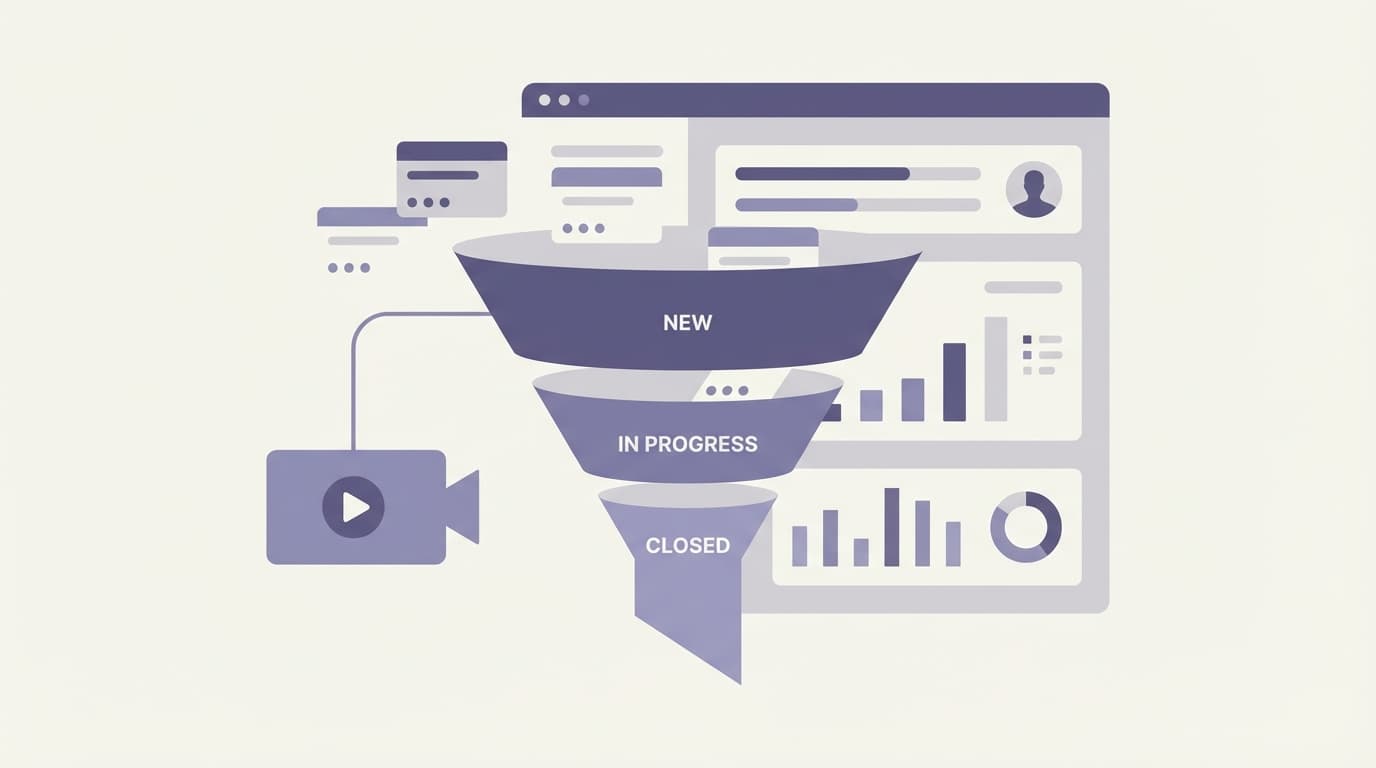
Sales calls have a preparation problem. You're supposed to review the deal before the call: check the pipeline stage, read the last activity notes, look at the contact history. In practice, you're jumping between meetings and the prep doesn't happen. You walk into the call half-informed.
Connecting Pipedrive to Vernix means the deal context shows up in the meeting, whether you prepped or not.
What the Pipedrive integration does
With Pipedrive connected, Vernix can pull your CRM data during calls:
- "What stage is the Acme Corp deal in?"
- "When was our last interaction with this contact?"
- "What's the deal value and expected close date?"
- "What notes are on this deal from the last meeting?"
The agent queries Pipedrive in real time, so you get accurate data without opening a browser tab.
Why this changes client calls
You never walk in cold
Even without preparation, the agent can give you a 10-second briefing at the start of the call. "Vernix, give me the summary on this deal" pulls up the pipeline stage, recent activities, deal value, and any notes from previous meetings. You're caught up before the client finishes saying hello.
You catch details you'd miss
Midway through a call, the client mentions a concern they raised last month. Instead of guessing what happened, ask the agent: "What did we discuss with this client about pricing?" The answer comes from your CRM notes and your Vernix meeting history combined.
You update the CRM from the conversation
"Log that the client wants to push the close date to next quarter" happens during the call, not after. No more sticky notes. No more "I'll update Pipedrive later" that becomes "I forgot to update Pipedrive."
Where this fits
Discovery calls
First calls with a prospect benefit from context you already have. If the deal was created from a lead form or a previous interaction, the agent surfaces that history so you don't ask questions the prospect already answered.
Pipeline reviews
Internal pipeline reviews move faster when the team can ask the agent for deal details instead of someone sharing their Pipedrive screen. "What's the total pipeline value for Q2?" and "Which deals have been stuck for more than 30 days?" get answered instantly.
Renewal conversations
Client renewals require knowing the full relationship history. The agent pulls activity logs, deal history, and notes from Pipedrive, combined with your Vernix meeting transcripts from every call you've had with that client.
Team handoffs
When a deal moves from one rep to another, the incoming rep can ask the agent for the full context during their first call. No separate briefing needed. The CRM data and meeting history are both accessible in the conversation.
How to connect
Go to Settings > Integrations in your Vernix dashboard, find Pipedrive, and click Connect. Authorize via OAuth, and your deal data becomes available to the agent in every meeting.
Your CRM, in the conversation
CRM data is most valuable in the moment you're talking to the customer. Connecting Pipedrive to Vernix puts your deal context where it belongs: inside the call, not in a tab you forgot to open.
Ready to try Vernix on your next call?
Paste a meeting link, and Vernix joins in seconds. Free to start.
Try Vernix Free