

Vernix + Slack: Meeting Context From Your Conversations
Most meetings exist because a Slack thread got too long. Someone types a question, three people respond with different context, and eventually someone says "let's just hop on a call."
The problem: the context from that Slack thread doesn't make it into the meeting. Everyone joins the call with a different understanding of what was discussed async. The first five minutes are spent catching up on what was already written down.
Connecting Slack to Vernix brings that context into the meeting.
What the Slack integration does
With Slack connected, Vernix can search your workspace messages and send follow-ups:
- "What did the team discuss in #engineering today?"
- "What did Sarah say about the deadline in #product?"
- "Send a follow-up to #product-updates about what we just decided"
- "What was the last message in the support escalation thread?"
The agent searches Slack for relevant messages and surfaces them in the meeting. After the call, it can send summaries or follow-ups to the right channels.
Bridging async and sync
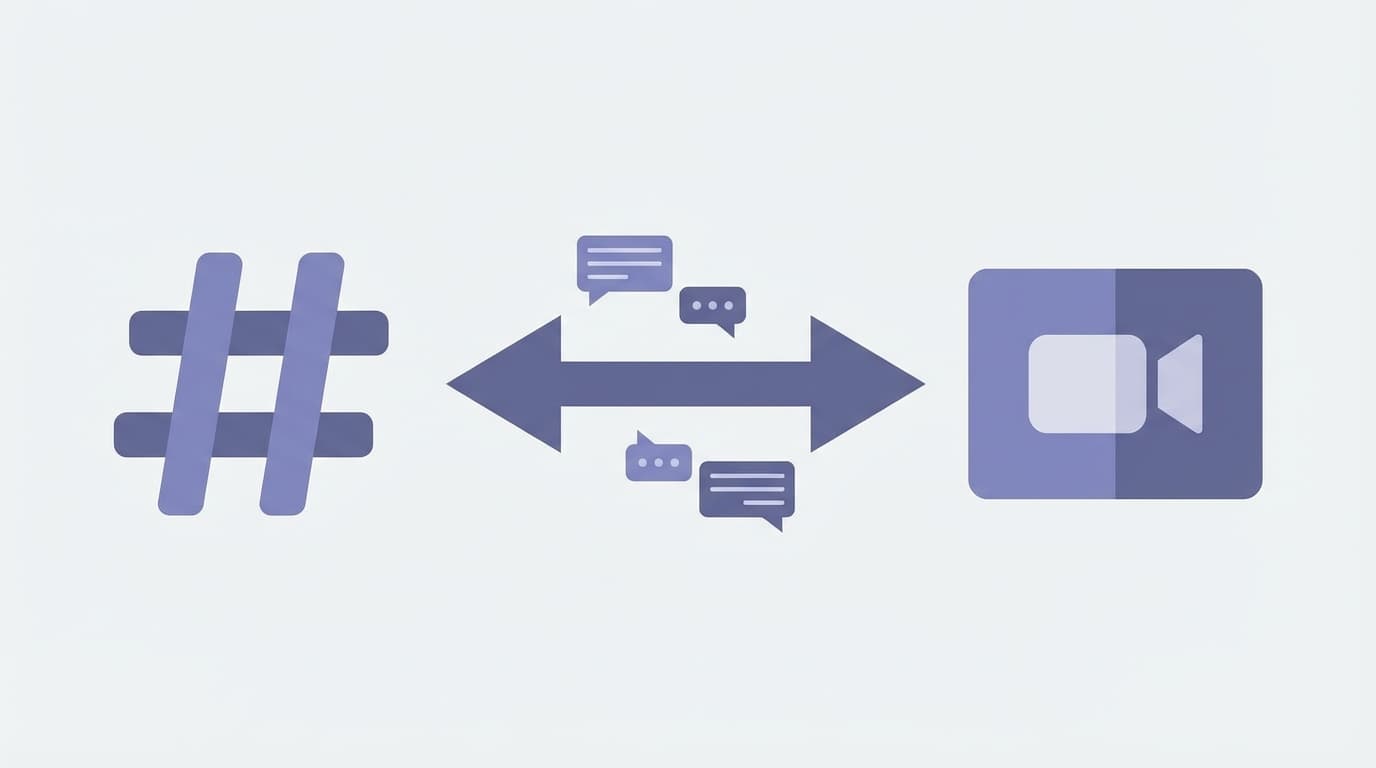
This is the core use case. Teams communicate in two modes: async (Slack, email) and sync (meetings, calls). The problem is these modes are disconnected. What gets discussed in Slack doesn't automatically carry into the meeting, and what gets decided in the meeting doesn't always make it back to Slack.
Vernix bridges both directions:
Slack into meetings: "What was discussed in #engineering before this call?" gives the team shared context at the start of the meeting, without someone reading a thread out loud.
Meetings into Slack: "Post what we decided to #product-updates" sends the key decisions to the right channel. No more "I'll post the notes after." It happens during the call.
Where this fits
Pre-meeting context
Start any meeting by asking the agent what was discussed in relevant Slack channels. The team gets aligned in seconds instead of spending the first few minutes recapping.
Decision distribution
When you make a decision in a meeting, the people who need to know are often not on the call. The agent can post a summary to the relevant Slack channel immediately, so the decision reaches the right people while the context is still fresh.
Cross-team syncs
When two teams meet, neither side has full visibility into the other's Slack channels. The agent can pull relevant messages from both, giving everyone shared context without sharing screens or forwarding threads.
Support escalations
A customer issue gets escalated from Slack to a meeting. The agent can pull the support thread context into the call, so the team starts with full history instead of asking "can someone catch me up?"
How to connect
Go to Settings > Integrations in your Vernix dashboard, find Slack, and click Connect. OAuth authorization lets you control which channels and workspaces Vernix can access.
Conversations that build on each other
The worst meetings are the ones that rehash what was already discussed elsewhere. Connecting Slack to Vernix means your sync conversations start where your async conversations left off.
Ready to try Vernix on your next call?
Paste a meeting link, and Vernix joins in seconds. Free to start.
Try Vernix Free